How an Angular app gets loaded and started
Many people who just started with angular may think that as we do the changes in the app component then the app component must be the one which is getting served by the server.
But that is not the case in angular the file which gets served by the server is the index.html file.
Angular is the framework which allows us to create single page application and the index.html is exactly that single page which we are talking about here.
this is how the index.html file looks like
<!doctype html>

<html lang="en">

<head>

  <meta charset="utf-8">

  <title>ProjectTemplate</title>

  <base href="/">

  <meta name="viewport" content="width=device-width, initial-scale=1">

  <link rel="icon" type="image/x-icon" href="favicon.ico">

</head>

<body>

  <app-root></app-root>

</body>

</html>
Notice the <app-root></app-root> there is nothing in between it but our application is still showing the text "Hello World!" which we written app.component.html.
To understand it lets take a look at app.component.ts file
import { Component } from '@angular/core';

@Component({

  selector: 'app-root',

  templateUrl: './app.component.html',

  styleUrls: ['./app.component.css']

})

export class AppComponent {

}
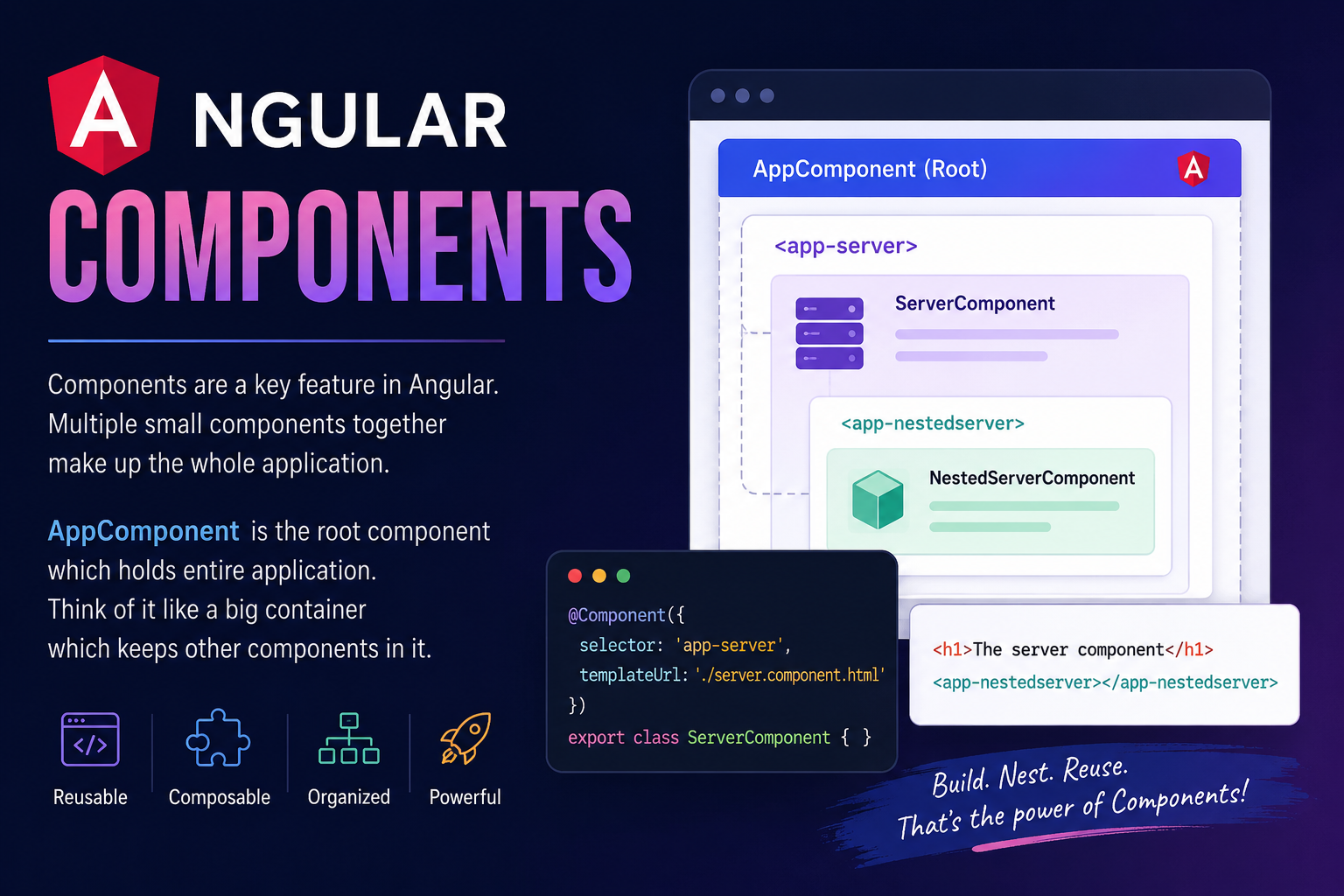
Notice the selector, in this the app-root is the same as the one mentioned in index.html.
The framework essentially replaces the app-root with our app component that's why you see the content which was written in the app.component.html in the browser.
Though we know why it is showing the content of the app component but we still need to figure out how angular is triggered when we changed something.
How angular is triggered?
So in the final index.html (you can see it by inspecting the source in the browser) there are a couple of scripts attached.
![[Pasted image 20260816193752.png]](https://cdn.hashnode.com/uploads/covers/64e6f917d6f2510f582ba636/3a4063d8-73f2-4518-ac1f-fa7e66f77694.png align="center")
These are injected by the CLI automatically.
In the raw index.html file we don't have any imports but whenever ng serve rebuilds our project, it will create javascript bundles and automatically add the right imports in the index.html file.
Now, the first code which gets executed is the main.ts file's code.
The main.ts file:-
import { platformBrowserDynamic } from '@angular/platform-browser-dynamic';

import { AppModule } from './app/app.module';


platformBrowserDynamic().bootstrapModule(AppModule)
  .catch(err => console.error(err));
This is the code which gets executed first it contains some imports but the main code is the last line platformBrowserDynamic().bootstrapModule(AppModule).catch(err => console.error(err)); this line is the which bootstraps/starts our angular application by passing the AppModule to the function.
Now lets take a closer look at the AppModule.
The app.module.ts file:-
import { BrowserModule } from '@angular/platform-browser';
import { NgModule } from '@angular/core';
import { AppComponent } from './app.component';


@NgModule({
  declarations: [
    AppComponent
  ],
  imports: [
    BrowserModule
  ],
  providers: [],
  bootstrap: [AppComponent]
})

export class AppModule { }
Here, you will see a lot of things we for now what you need to focus on is the bootstrap array, this array list all the components which should be known to angular at the time it analyzes the index.html file.
We passed our AppComponent in this array, so by this you may guess how changing in the AppComponent reflects the change in our browser.
The flow is somewhat like this, AppComponent -> AppModule (Bootstrap Array) -> main.ts (includes the AppModule) -> ng serve (bundles the code and attaches scripts the index.html) -> Index.html finds the app-root selector and replaces it with the app component -> final index.html (where the compiled main.js file is attached using a script tag).
Note:- If we didn't have included the AppComponent in the AppModule's bootstrap array then the index.html file would not have been able to find it. Think of it like, index.html or whichever file finds whatever written in it in a room and the one places things in that room is the bootstrap array.
That is all on how a angular app gets loaded and started.
See you again in next blog 👋.